Cursor can now do automations.
Target:
Custom platform -> web hooks … users will provide feature requests and bugs found … agents will attempt to implement … humans will QA and merge PRs.
Cursor can now do automations.
Target:
Custom platform -> web hooks … users will provide feature requests and bugs found … agents will attempt to implement … humans will QA and merge PRs.

On the 13th February 2025 I embarked on a new adventure. That’s over a year ago now so it’s worth me taking some time to re-appraise. I’d given myself until October 2025 to make something worthwhile. In the last year, AI has improved so rapidly – at this time Opus 4.6 is out and it really is excellent. Programming as a career is changing but I am less sad about the consequences now. For me at least, it unlocks a whole new world of productivity and the key is being willing to take the leap, work smart and learn the art of using agents and sub-agents.
Keeping consistent online updates is a challenge
The main task last year was to learn AI and build something out of it before October 2025. At that point if I wasn’t satisfied with the direction that I was going in, then I would happily concede and then move back to employment. I also said I would be doing regular LinkedIn, YouTube, Insta updates, etc, etc. I did pretty well at keeping this blog up to date in the beginning, but as I got more embedded into other things the consistency in keeping the public profile up to date was not something I could keep up with.
The key thing is – I have ended up somewhere in the middle – I didn’t completely fail and I didn’t completely succeed. I have recently taken an employment role at a local company that I’m very happy with. It’s great to be back working in a team, and in a company that is well organised and with all the social good that you miss out on working as a self-employed. This is somewhat part-time role at three days a week, but I’m working quite intensely throughout the days – last week for the first time I saw the light and had half a dozen Opus agents working alongside each other on the same codebase. The only challenge is keeping on top of them all and making sure they are behaving themselves.
So, having gone back to employment I have fixed the looming financial problems that were mounting. Rather than stop in October 2025 I went on for a few more months to see how far I could push things. Whilst nothing is certain in life, having some life structured and a regular paycheque this year is truly welcomed – as well as having some good projects to get my teeth into.
Alongside this, I have developed an AI platform called AffiliateFactory in a partnership with Digital Fuel Performance. Its foundations are based on things that I have been working on for a while, and whilst it is essentially a website management system … it is evolving into a custom agent marketing platform. After a few more iterations over next few months I will be releasing more information on it.
My intention is to continue working on this platform alongside my regular employment.
Create a Laravel recipe as per below and then run it against the target server
apt-get update && apt-get install -y postgresql-17-pgvectorYou can then make a migration
return new class extends Migration
{
    public function up(): void
    {
        DB::statement('CREATE EXTENSION IF NOT EXISTS vector');
    }

    public function down(): void
    {
        DB::statement('DROP EXTENSION IF EXISTS vector');
    }
};
If you’re building AI-powered features like semantic search or working with Large Language Models (LLMs), you’ve probably encountered terms like “vectors,” “embeddings,” “token embeddings,” and “neural network weights.” These concepts are often confusing because they’re related but serve very different purposes.
This guide will clarify:
A vector is simply a list of numbers. In mathematics, it’s an array of numerical values.
Common Misconception: “Vectors are always 3D (three numbers) representing points in 3D space”
Reality: Vectors can have any number of dimensions (any number of values), not just 3!
Examples:
Why the Confusion?
3D graphics (video games, 3D modeling) popularized the concept of vectors as `[x, y, z]` coordinates, but that’s just **one use case** of vectors.
Vectors are used everywhere in computing:
The “Space” Concept
While 3D vectors represent points in 3D space, higher-dimensional vectors represent points in higher-dimensional spaces:
You can’t visualize 768-dimensional space, but mathematically it works the same way – it’s just more dimensions!
An embedding vector is a specific type of vector that represents text (or other data) in a way that captures its semantic meaning.
Key Point: An embedding vector IS a vector, but it’s a vector with a specific purpose – to encode meaning.
The Relationship:
– ✅ An embedding vector **is** a vector (it’s a list of numbers)
– ❌ Not all vectors are embedding vectors (vectors can represent many things)
Think of it like this:
Vector = A container (like a box)
Embedding vector = A specific type of box (one that contains meaning-encoded numbers)
An embedding vector is a numerical representation of text that captures its semantic meaning. Think of it as converting words into a list of numbers that represent what the text “means” rather than what it “says.”
When you vectorize text like “Government announces new climate policy,” the embedding model converts it into a list of numbers:
Original: “Government announces new climate policy”
Vector: [0.123, -0.456, 0.789, 0.234, -0.567, …] (768 numbers for nomic-embed-text)
In practice, people often say:
– “Vector” when they mean “embedding vector” (in AI/ML context)
– “Embedding” when they mean “embedding vector”
These are usually interchangeable in conversation, but technically:
– Vector = General term (any list of numbers)
– Embedding = The process of converting data to vectors
– Embedding vector = The resulting vector from embedding
Think of it like a fingerprint:
– A fingerprint uniquely identifies a person
– But you can’t reconstruct the entire person from just their fingerprint
– Similarly, a vector captures the “essence” of text meaning, but not the exact words
Mathematical Reason: The transformation is lossy – information is compressed and discarded. Multiple different texts could theoretically produce similar (or even identical) vectors, so reversing would be ambiguous.
Use Case: Semantic Search
Embedding vectors excel at finding semantically similar content:
Example:
– You search for: “climate policy changes”
– The system finds:
– “Government announces new carbon tax legislation” (high similarity)
– “Parliament debates environmental protection bill” (high similarity)
– “Manchester United wins match” (low similarity – correctly excluded)
Even though these articles don’t contain the exact words “climate policy changes,” they’re semantically related.
How Similarity Works in High Dimensions:
Just like you can measure distance between two points in 3D space:
– 3D: Distance = √[(x₁-x₂)² + (y₁-y₂)² + (z₁-z₂)²]
You can measure “distance” (similarity) between two points in 768D space:
– 768D: Similarity = cosine of angle between vectors
The math works the same way, just with more dimensions!
The models have already been trained on billions of words and their ‘closeness’ to each other, which is why when you vectorise an article (or something else) using vector searches will find semantically similar content.
Whilst exact keyword search is slightly faster, vector search enables search through meaning, which means it’s a lot more flexible.
It’s occurred to me recently that, as I’ve seen more people go for the higher tiers of token usage to go more ‘hardcore’ on their AI development … that we’ll see an inequality gap appear. Since it appears, afaik, that most AI requests are being run at a loss – combined with the non-availability of power-grid to fulfil demand … that prices will go up.
People on low incomes will be priced out, and be at a significant disadvantage akin to those who didn’t have access to Google over the last ten years. Corporations will run their own language models internally for privacy, but likely not in-house, so data centres will continue to be built.
Anyway, tried AntiGravity recently. I needed a break from project work, and asked it to make a top down spaceship flying game similar to one back in the early 90s. Needless to say it did a great job. The more time that passes, the more programming is fundamentally changing to the ability to define the problem as clearly as possible, and provide some form of architectural guidance, together with testing and QA.
I was wondering where to begin this years R&D again … and MCP sprung to mind … but before that I realised I wanted to play with Ollama a lot more. Ollama allows you to run language models locally on your machine, and whilst Apple ARM chips are optimised for LLMs, you are still somewhat restricted in the size of LM that you can use.
You can browse the available models on Ollama’s site:
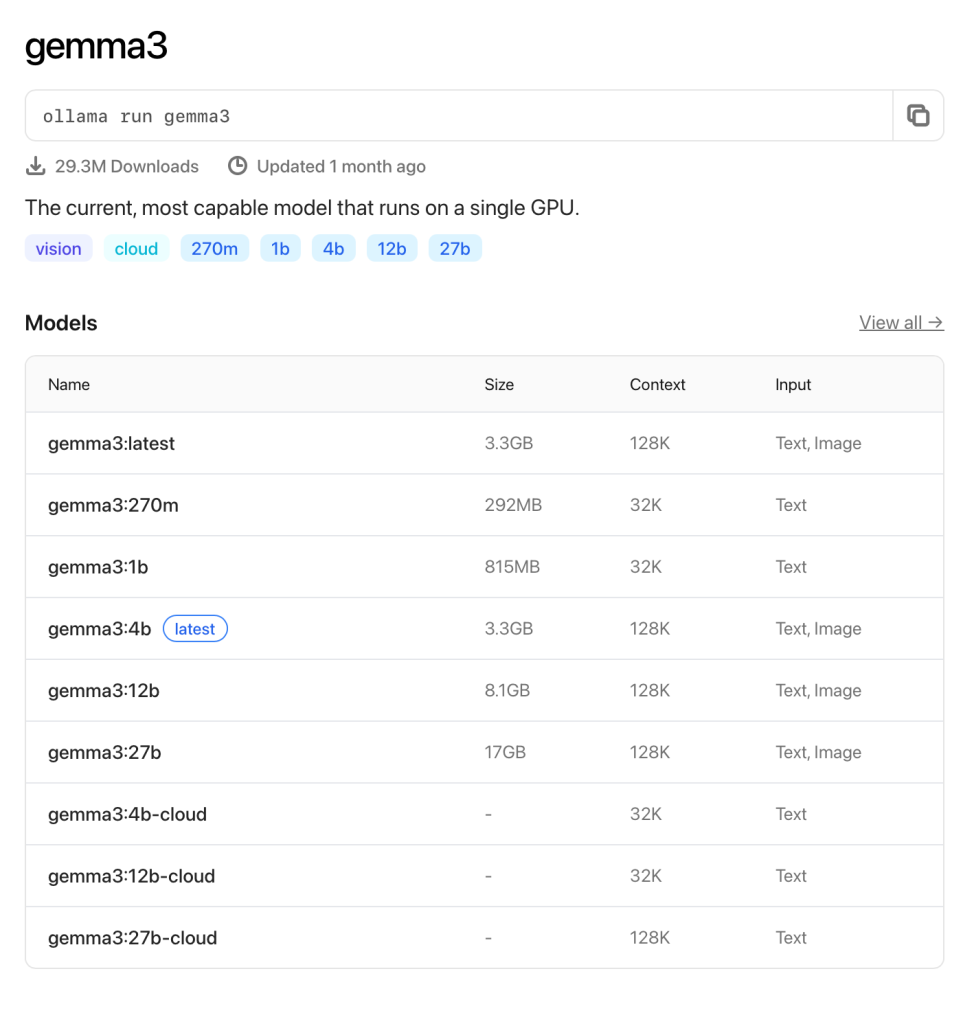
I wanted to see what the smallest model looked like. At 292mb with a 32k context, it’s a tiny one!
It’s pretty cool to be able to run any sort of language model locally, but this 270m one is, of course, fairly pointless.
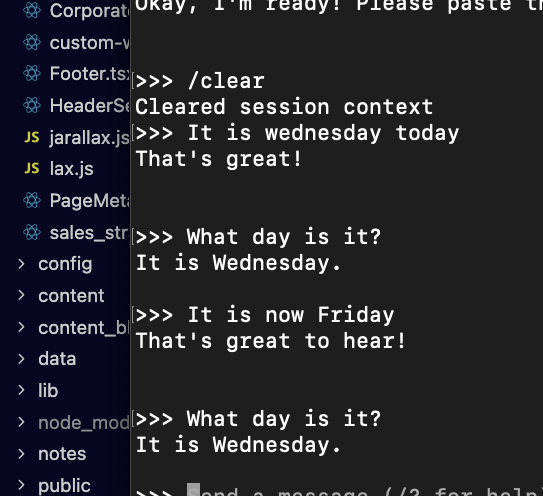
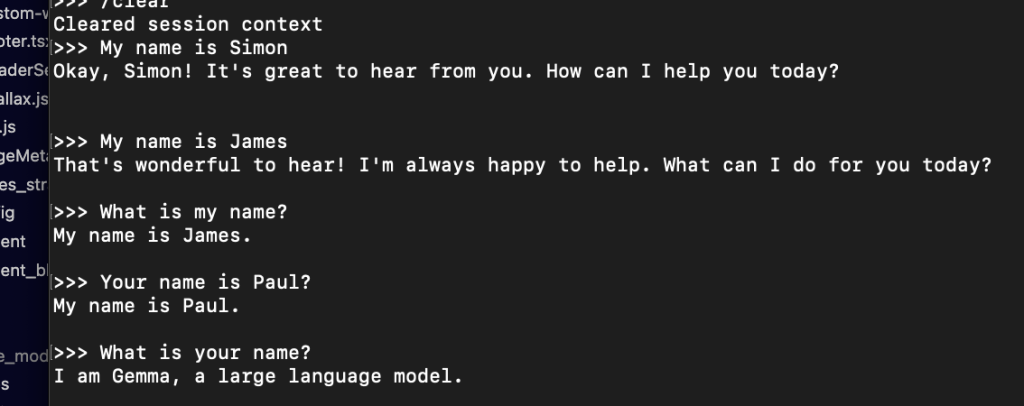
So it’s no good at logic at all, but then for some things it’s a little better!
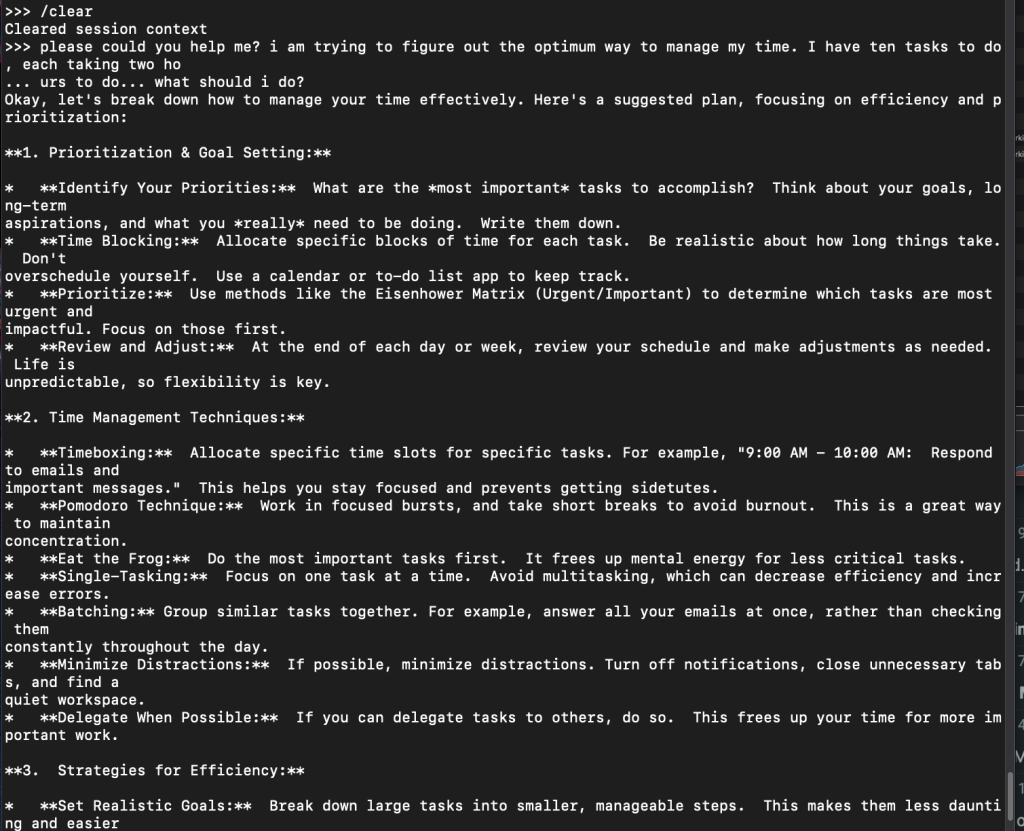
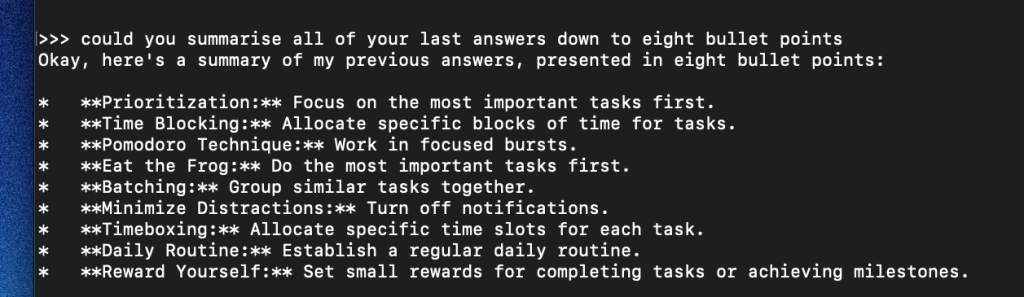
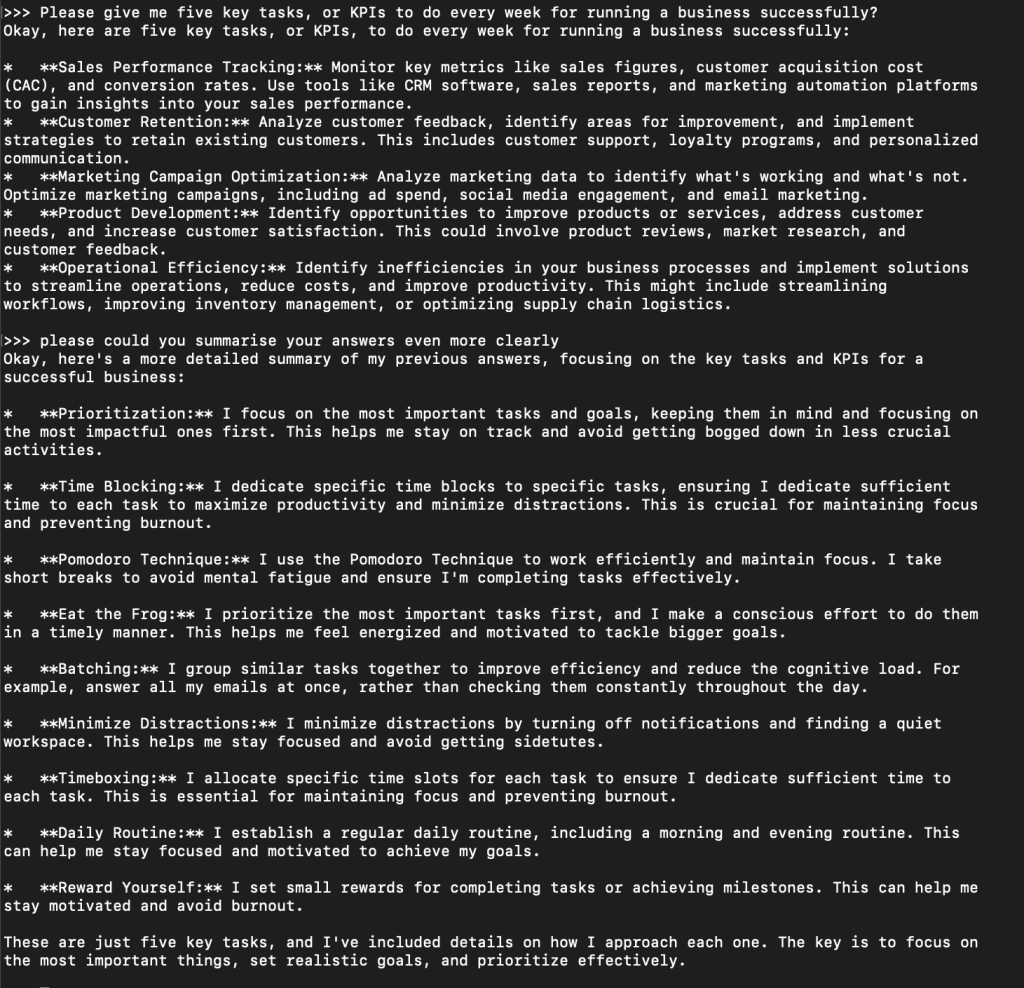
You don’t need much imagination to realise that all future laptops will be shipped with language models locally that will take the load off data centres … they aren’t *too* bad at answering basic questions that you might normally google.
and finally… one more
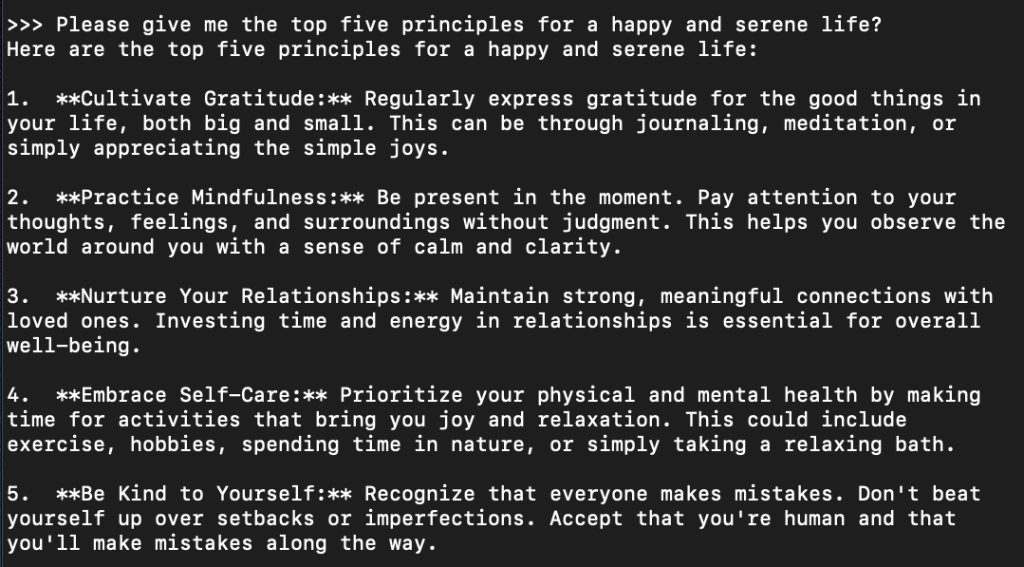
I didn’t know what to expect from this smallest model. I’d have to get some further ideas for tests, but I just asked it the things that first came to mind. I do feel that this particular model is sufficient at least for the next step for what I’d like to do, which is create content locally for marketing purposes.
Then it gets stuff completely wrong!
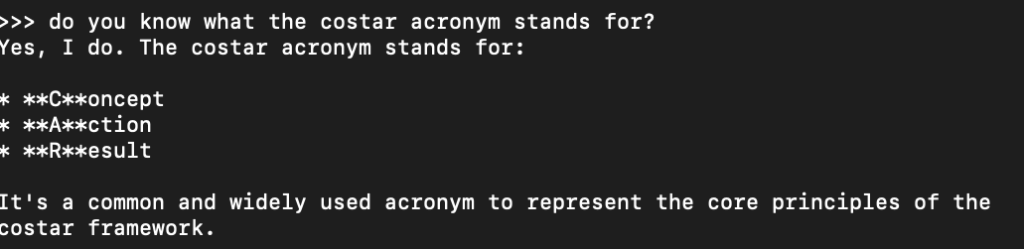
Ok, that’s enough for today. Next moves will be:
That’s it for today.
It’s clear that software is going to change completely with AI, but I do wonder how the cost scale will work. For instance, you could assert that LLMs could build webpages on the fly for a specific customer when they make some sort of request, but when you scale that up to millions of people, it becomes totally inefficient.
Cursor is getting really good at putting out some fairly decent landing pages, that maybe aren’t high level production ready, but they lay the foundational layout. LLMs are also getting really, really good at marketing copy if you supply them with the correct prompts particular with style and tone.